Fast Z-Image Turbo generation
Create images through a focused Z-Image Turbo workflow designed for quick prompt-to-image iteration.
Powered by Z-Image Turbo
Turn text prompts into detailed AI images with Pictelora. Choose an aspect ratio, generate with Z-Image Turbo, and download your result—all in one focused workflow.
Prompt gallery
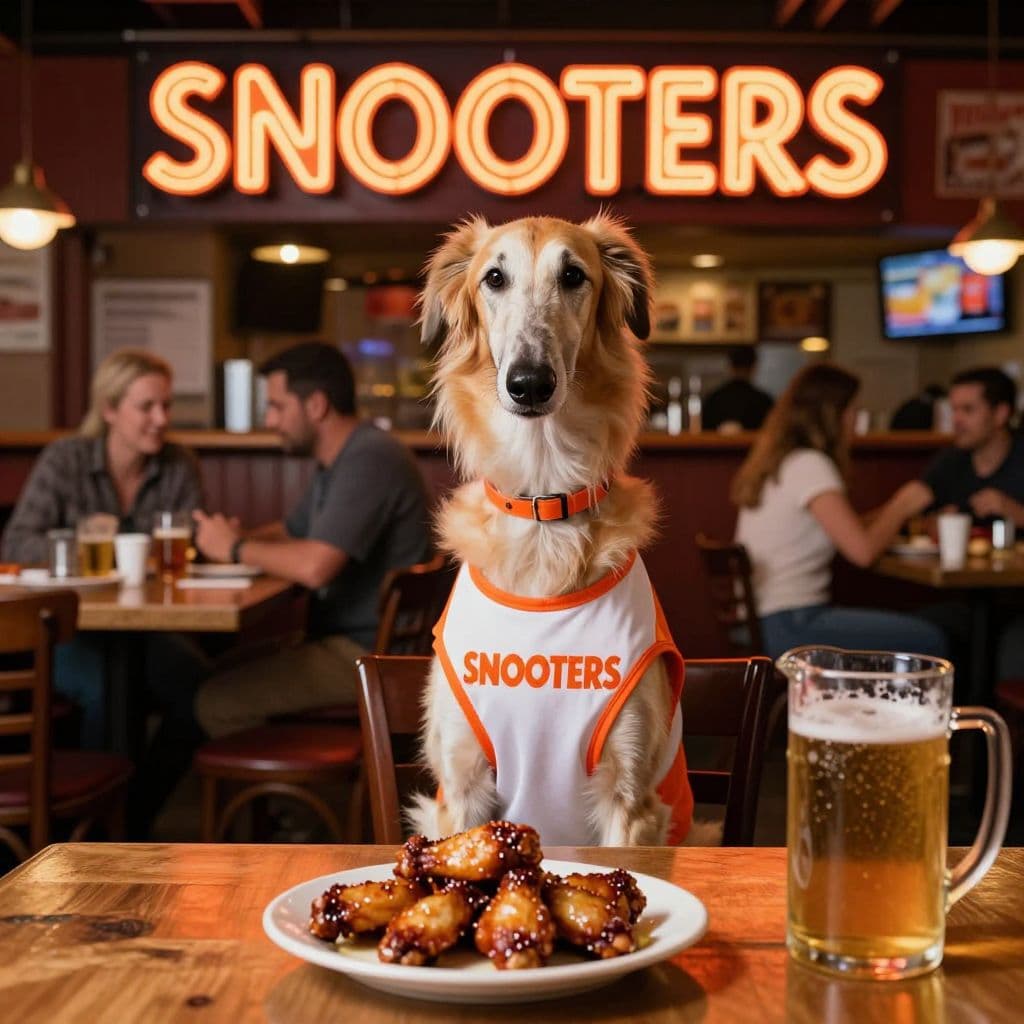
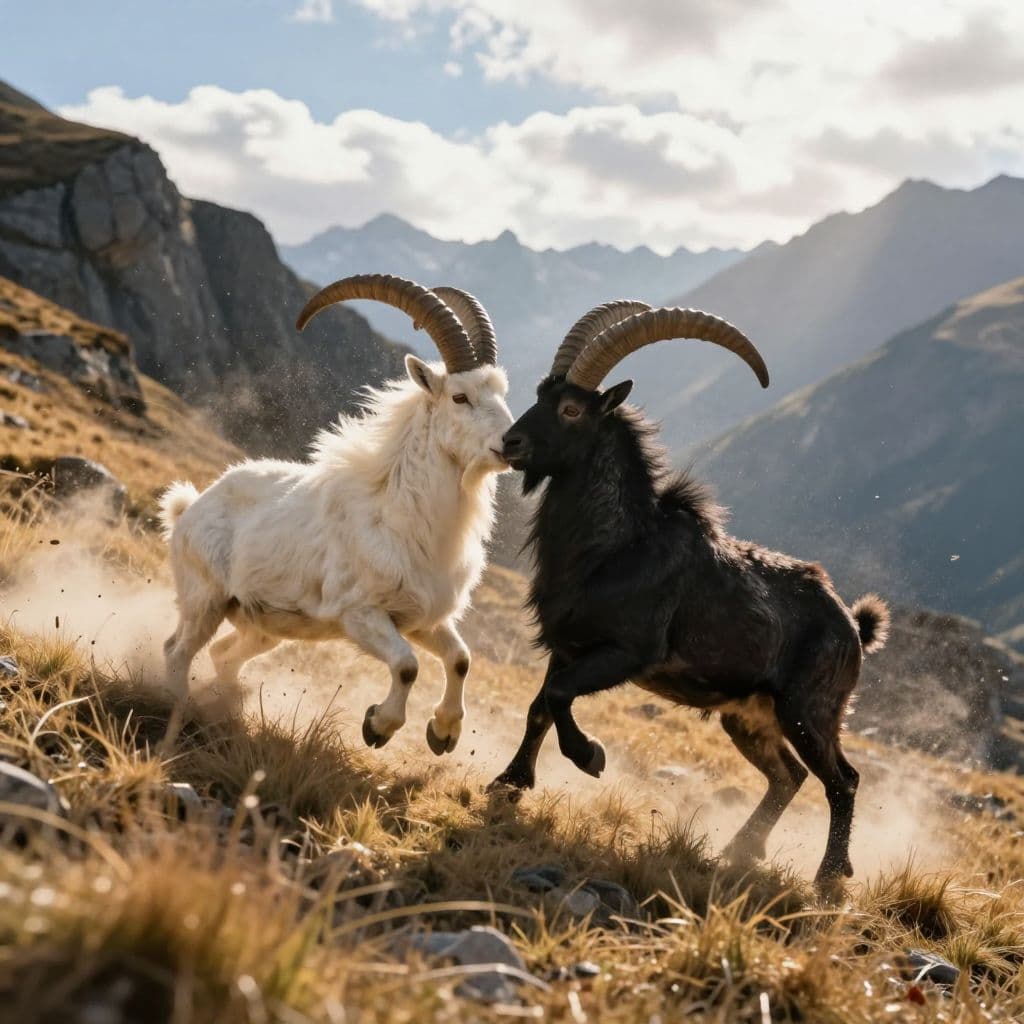
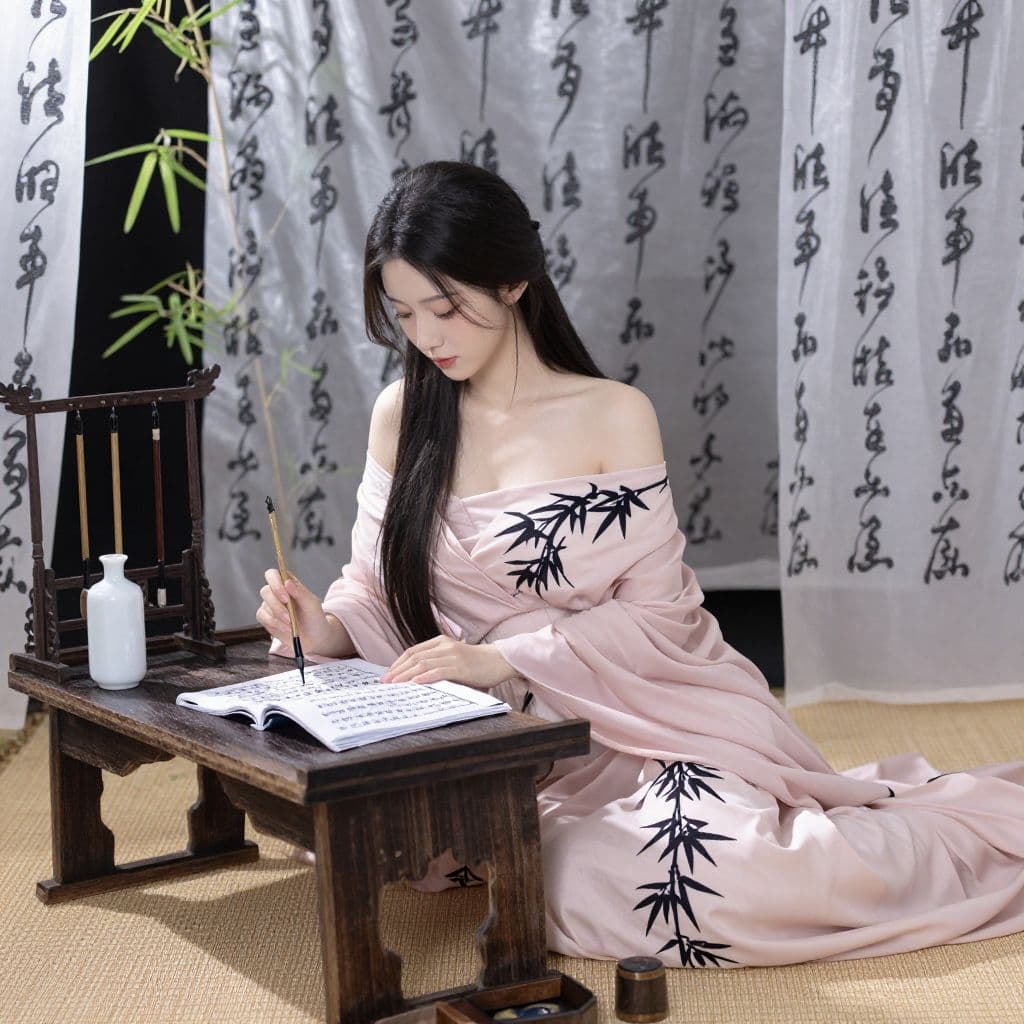
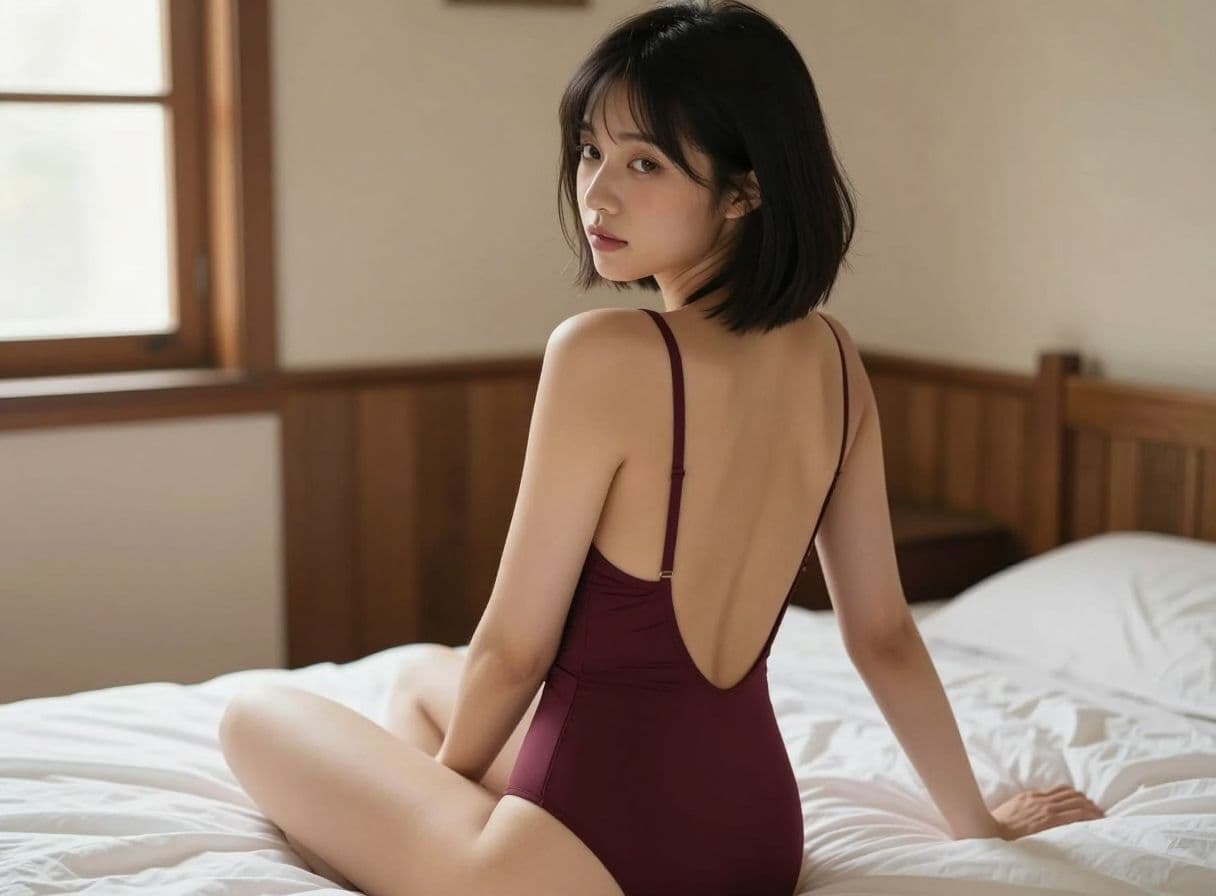
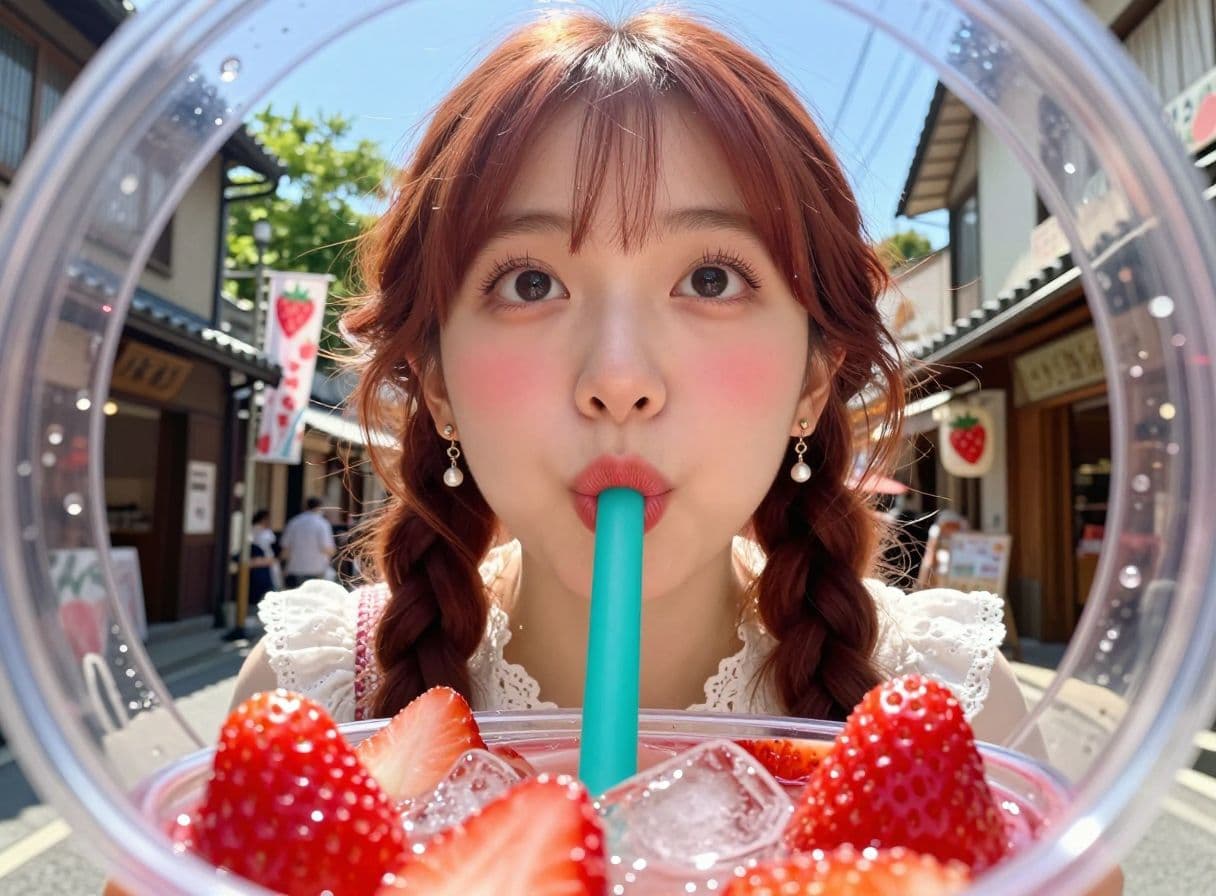
Explore AI-generated portraits, environments, concept art, and campaign-ready visuals created from text prompts.
Built for focused creation
Move from a written idea to a downloadable image without configuring a complicated model workspace.
Create images through a focused Z-Image Turbo workflow designed for quick prompt-to-image iteration.
Generate square, landscape, portrait, presentation, and social-ready images without managing complex settings.
See the generation cost and available credits before creating an image. Failed generations return eligible credits automatically.
Return to previous generations, review prompts, and keep track of images created from your account.
Four simple steps
Move from a written idea to a downloadable image in one clear workflow—no complicated settings required.
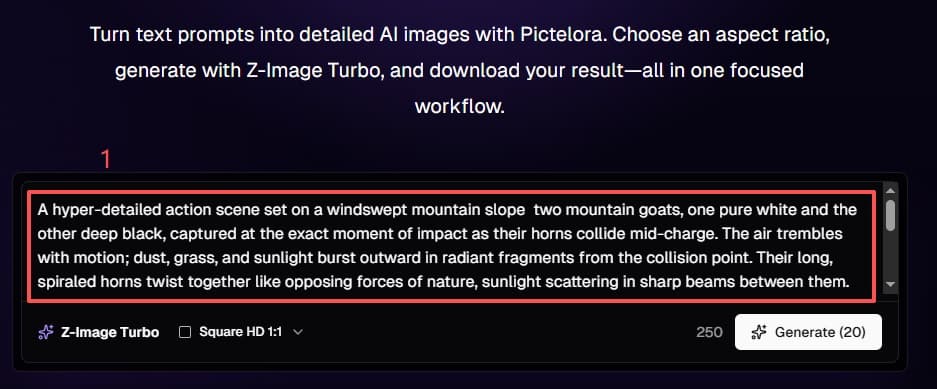
Describe the subject, style, composition, lighting, and details you want the image to include.
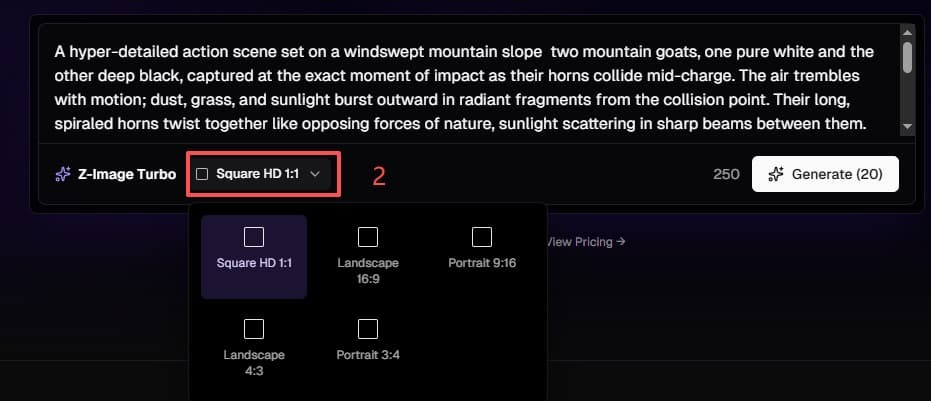
Select 1:1, 16:9, 9:16, 4:3, or 3:4 to match the image's intended use.
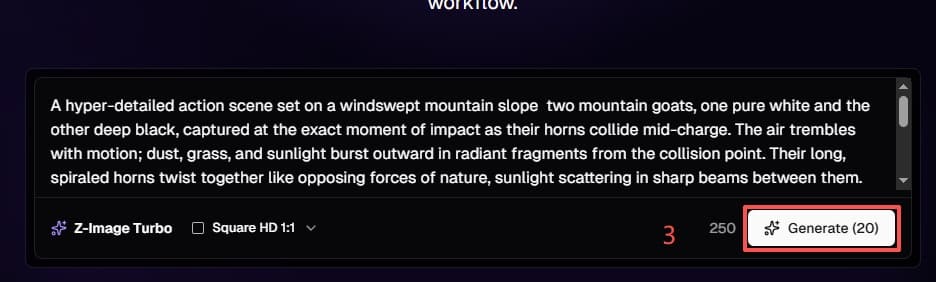
Click Generate to send your prompt and selected ratio to Z-Image Turbo.
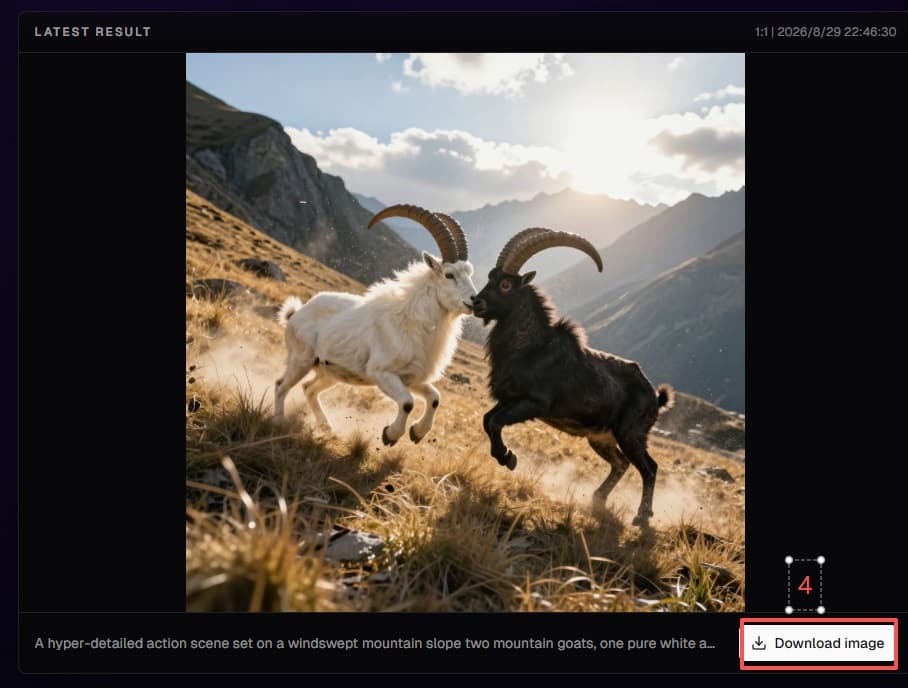
Preview the finished image, then download it directly when the result is ready.
The model behind the workflow
Z-Image Turbo is the underlying image generation model used by Pictelora. It converts text descriptions into images through a streamlined generation process.
Pictelora is an independent product and is not the developer or official website of the Z-Image model. Pictelora provides the interface, account system, credits, generation history, and workflow used to access the model.
Made for real creative work
Start with a practical destination for the image, then refine the prompt until the result fits your project.
Explore campaign concepts, social posts, thumbnails, and promotional visuals in the ratio your channel needs.
Visualize product directions, materials, scenes, and presentation ideas before committing to production.
Create supporting artwork for articles, decks, educational materials, and internal concepts.
Experiment with photographic portraits, cinematic scenes, illustration styles, and imaginative environments.
Common questions
Z-Image Turbo is the image generation model currently used by Pictelora to turn text prompts into images.
No. Pictelora is an independent AI image creation service that uses Z-Image Turbo as its current underlying model.
Enter a text prompt in the homepage generator, choose an aspect ratio, sign in when prompted, and select Generate an Image.
Pictelora currently supports 1:1, 16:9, 9:16, 4:3, and 3:4 image generation.
Yes. You can describe the image you want with an English or Chinese text prompt.
One image currently costs 20 credits. The generator shows your available balance before you create.
Yes. After a generation succeeds, you can preview the result and download the image through Pictelora.
Your account keeps a generation history with the prompt, model, aspect ratio, result, and retention information available to the product.
Describe your idea, choose an aspect ratio, and generate it with Pictelora’s focused online image creation workflow.
